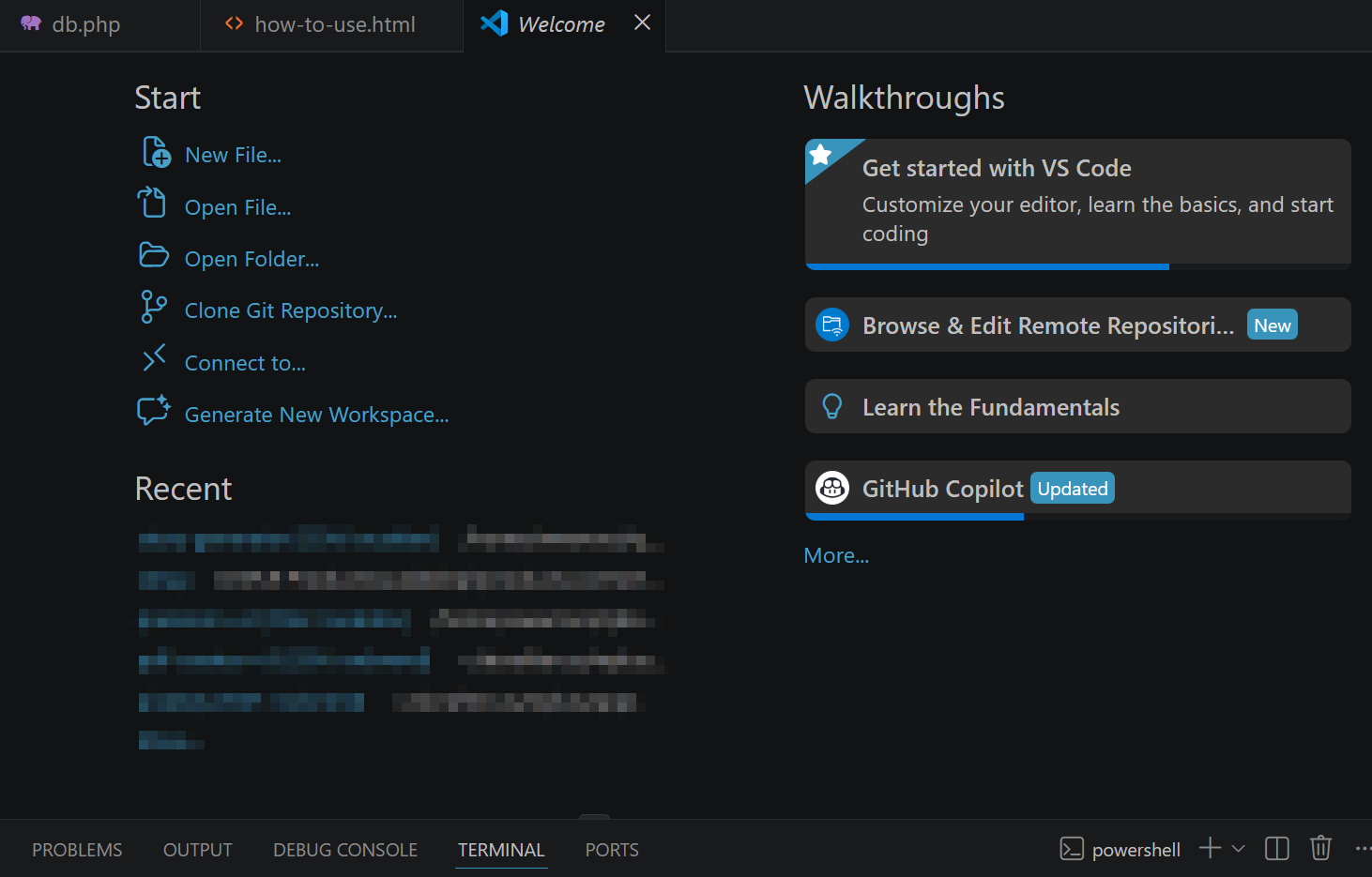
How to Stop VS Code From Eating Your CPU Alive

🚀 A Practical Guide to Taming File Watchers, Git Scans, and Language Servers Visual Studio Code is one of the most popular editors on the planet — but when it starts consuming CPU like it’s mining cryptocurrency, productivity tanks fast. The good news is that the problem usually isn’t VS Code itself. It’s the background processes running inside it. In this guide, we’ll break down why VS Code
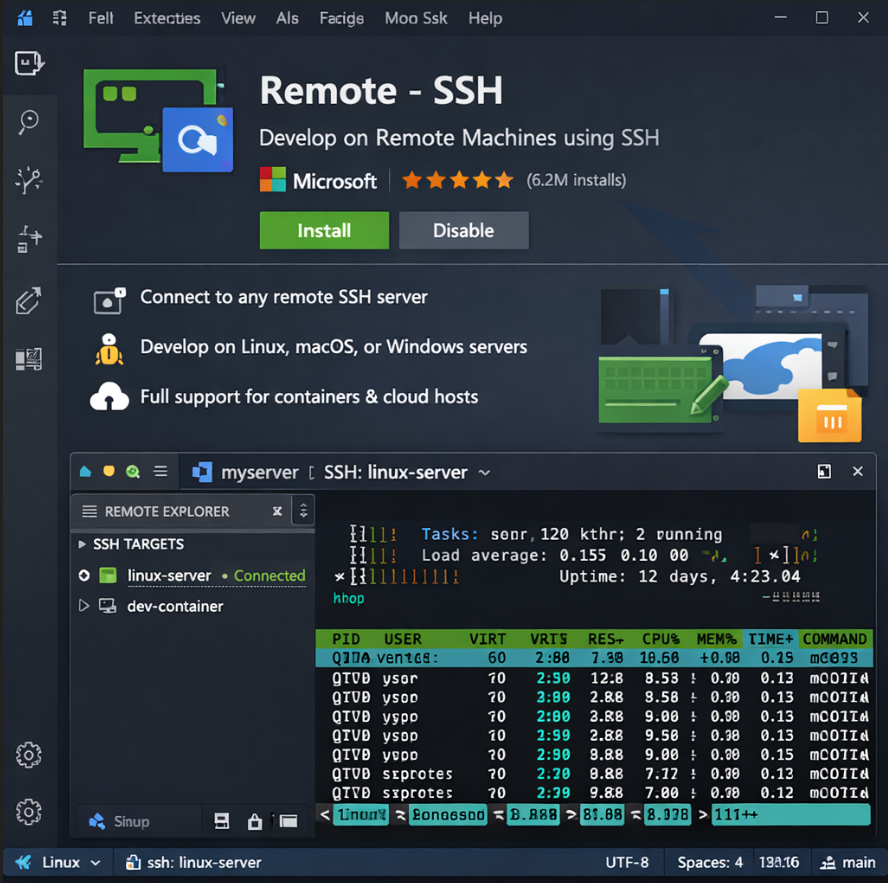

Passwordless SSH Setup for VS Code on Windows

Passwordless SSH Setup for VS Code on Windows (for AlmaLinux) A simple, 12‑year‑old‑level guide. 🎯 Goal Connect to your AlmaLinux server from VS Code without typing your password every time. This uses SSH keys. 1. Check if you already have an SSH key on Windows Open PowerShell and run: ls $HOME.ssh If you see files like: id_rsa + id_rsa.pub id_ed25519 + id_ed25519.pub Then you already have a key

phpBB Recovery Methods

When a phpBB extension misbehaves and takes down the whole board, the key is to recover cleanly without losing your data. Here’s the battle-tested approach: 🔑 Immediate Recovery Steps Disable the extension manually If you can’t access the ACP, go into your database (via phpMyAdmin or CLI). In the phpbb_ext table, set the offending extension’s ext_active field to 0. This deactivates it without

Automatic iFrame Sizing

To add a second JavaScript code to allow embedding and auto-resizing of remote iframed pages, you can use the postMessage API to communicate between the iframe and the parent page. Below is an example of how you can achieve this. Automatic iFrame Sizing is easy! On the remote site (iframe content): <!DOCTYPE html> <html lang="en"> <head> <meta charset="UTF-8">

Enhancing Web Security: A Guide to Content-Security-Policy and X-Frame-Options

Sure thing! Let's break down this code step by step: 1. Setting Security Headers header("Content-Security-Policy: frame-ancestors 'self' https://aicrafter.us https://qiksoft.com"); header('X-Frame-Options: SAMEORIGIN'); Content-Security-Policy (CSP): This header restricts which sources can embed your content in a frame. Here, it allows only the same origin ('self') and the specified domains

Our Top 10 Picks for Free Python Scripts

Python is a highly adaptable and robust programming language, making it suitable for a variety of tasks including automation, web scraping, data analysis, and machine learning. Below is a curated selection of ten exceptional free Python scripts, each featuring comprehensive descriptions, illustrative examples, and download links to assist you in optimizing your tasks and advancing your projects.

Creating a Clone of Your own Voice for Voiceovers

Creating a clone of your own voice for voiceovers involves several steps, including recording your voice, training a voice model, and then using that model to generate new audio. Here’s a general guide on how to do it: 1. Record Your Voice To create a high-quality voice clone, you need a good amount of high-quality audio recordings of your voice. Environment: Find a quiet place with minimal

Flat-File Content Management System (CMS) Code

Creating a Content Management System (CMS) can be a daunting task, especially for those who are not familiar web development. However, with the right tools and knowledge, it is possible to build a "simple" flat-file CMS using PHP. A flat-file CMS is a lightweight and easy-to-use system that does not require a database to store content. Instead, it uses text files to store data, making it ideal

Inline CSS Code for Responsive iFrame Using YouTube Video

Here is a simple example of how to make an iframe responsive for a YouTube video using inline CSS. <div style="position: relative; padding-bottom: 56.25%; height: 0; overflow: hidden;"> <iframe style="position: absolute; top: 0; left: 0; width: 100%; height: 100%;" src="https://www.youtube.com/embed/YOUR_VIDEO_ID" frameborder="0" allowfullscreen></iframe> </div> Please

Using PHP for URL Forwarding

If you're looking to use PHP to forward URLs in a search engine-friendly manner, you typically want to use HTTP redirects. These redirects can be either 301 (permanent) or 302 (temporary). Here’s how you can achieve this using PHP. Let's discuss "Using PHP for URL Forwarding". 1. Permanent Redirect (301) A 301 redirect is used to permanently move a page to a new location. This is the preferred